- Mark as New
- Bookmark
- Subscribe
- Mute
- Subscribe to RSS Feed
- Permalink
- Report Inappropriate Content
08-15-2025 01:40 AM
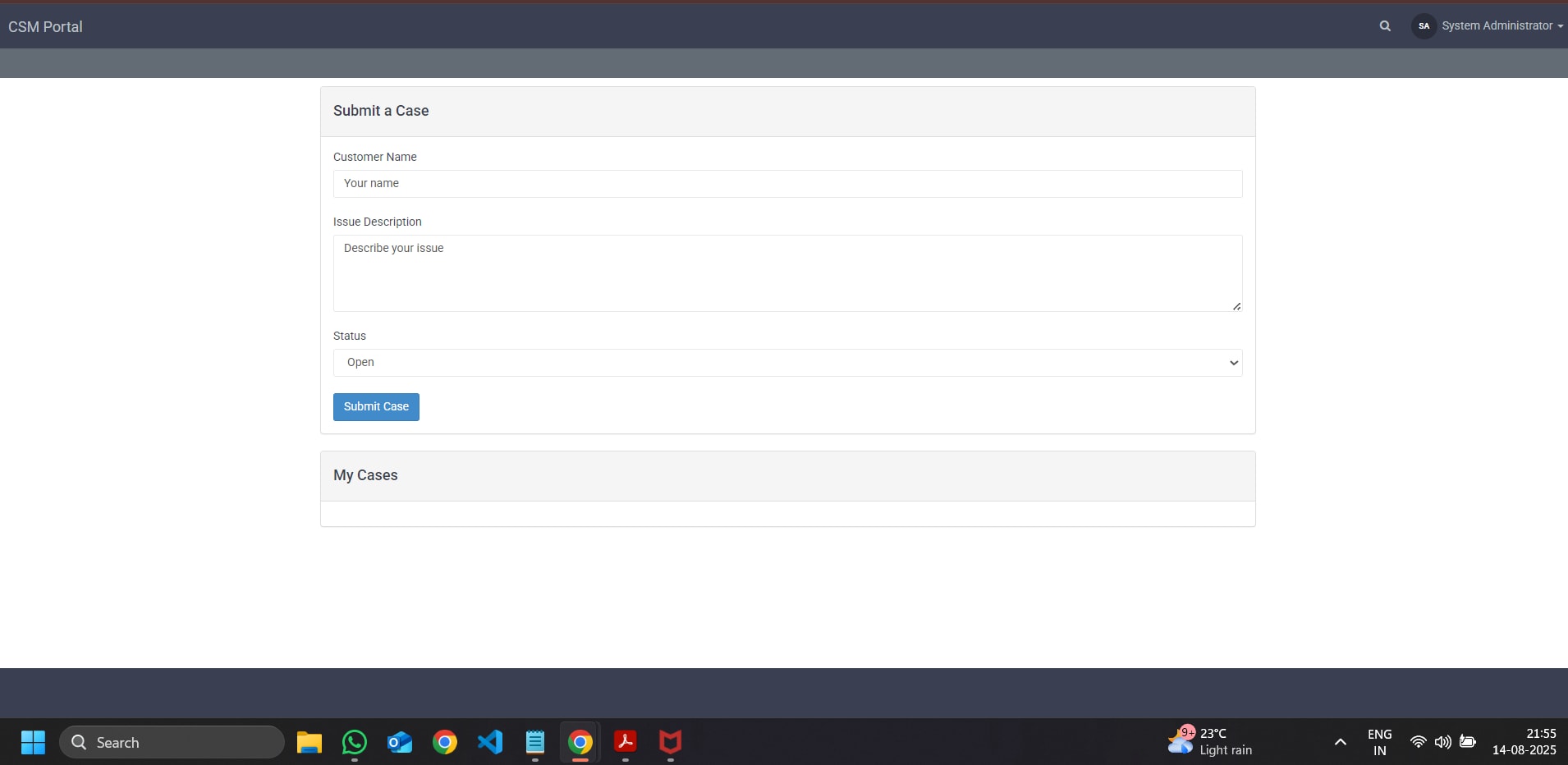
I have created the portal with required pages and widgets (can be found in attachment). However, I am struggling with the submit function and the record is not getting inserted into the customer case table. When I click on the submit button, there is no response.
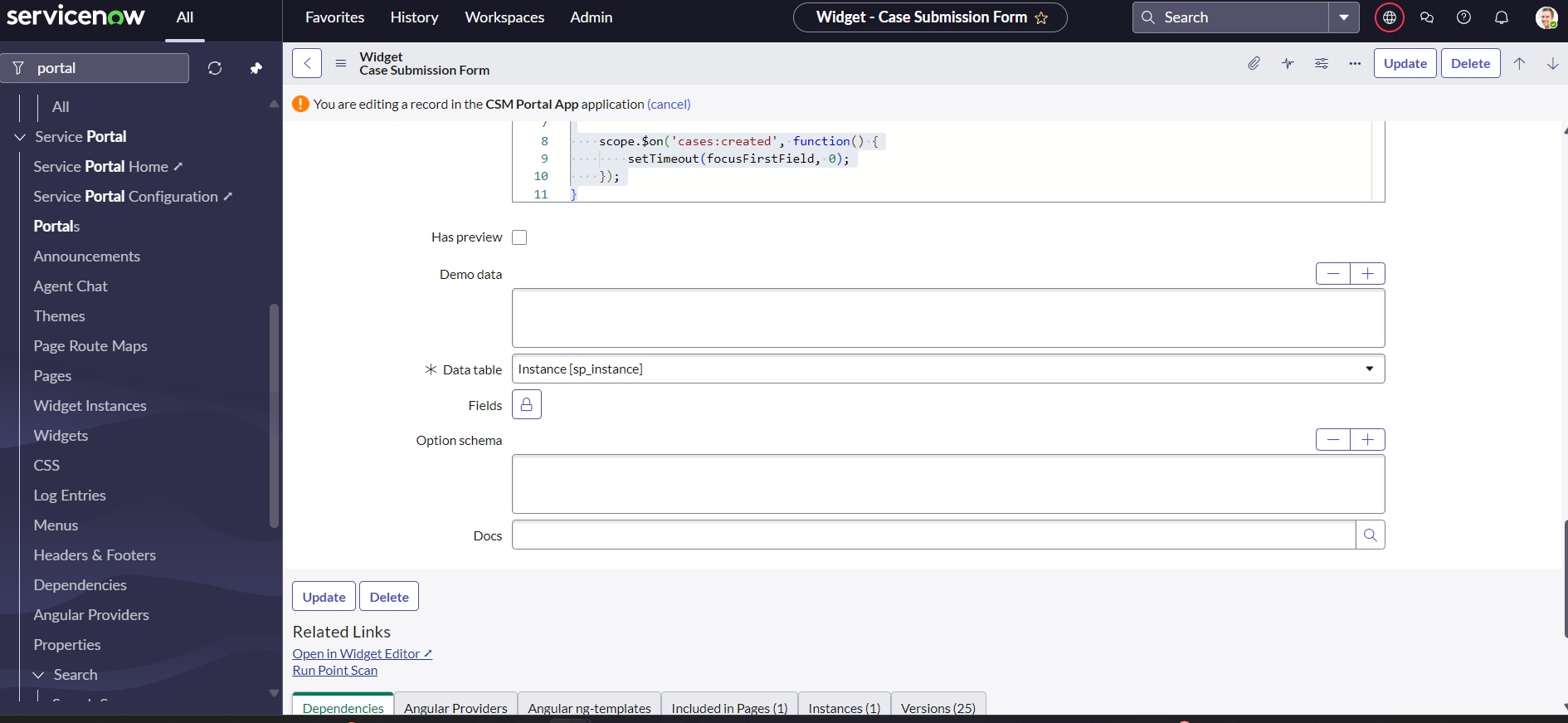
Attaching Files and screenshot
widget 1: Case Submission Form
HTML Code:
<div class="panel panel-default case-submission-form">
<div class="panel-heading"><h4>Submit a Case</h4></div>
<div class="panel-body">
<form ng-submit="c.submitCase()" novalidate>
<div class="form-group" style="margin-bottom: 20px;">
<label>Customer Name</label>
<input class="form-control" type="text" ng-model="c.form.customerName" placeholder="Your name" required>
</div>
<div class="form-group" style="margin-bottom: 20px;">
<label>Issue Description</label>
<textarea class="form-control" ng-model="c.form.issueDescription" rows="4" placeholder="Describe your issue" required></textarea>
</div>
<button class="btn btn-primary" type="submit">Submit Case</button>
</form>
</div>
</div>
Server Script:
Solved! Go to Solution.

- Mark as New
- Bookmark
- Subscribe
- Mute
- Subscribe to RSS Feed
- Permalink
- Report Inappropriate Content
08-15-2025 08:01 AM
Hi Sahil,
You are not invoking any function from your button, on high level your code is correct, try below
<button class="btn btn-primary" type="submit" ng-click="c.submitCase()">Submit Case</button>
Also try putting some logs in server side after input so that you know where your code is failing.
Try adding some alerts in client script.
Also check your widget and table application scope is same.
- Mark as New
- Bookmark
- Subscribe
- Mute
- Subscribe to RSS Feed
- Permalink
- Report Inappropriate Content
08-15-2025 08:01 AM
Hi Sahil,
You are not invoking any function from your button, on high level your code is correct, try below
<button class="btn btn-primary" type="submit" ng-click="c.submitCase()">Submit Case</button>
Also try putting some logs in server side after input so that you know where your code is failing.
Try adding some alerts in client script.
Also check your widget and table application scope is same.