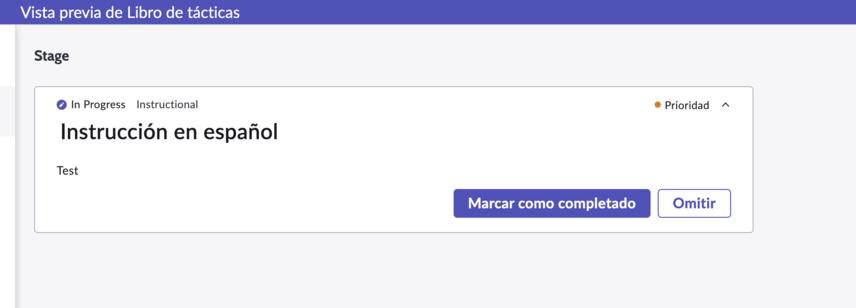
Add translations for Playbooks
Make Playbooks available in multiple languages during runtime, to support worldwide business processes.
시작하기 전에
- Role required: admin or playbook.admin
- To enable custom translations for playbooks, install the 27.1 app version or later.
- Activate any playbooks that you want to translate.
- To learn more about translating custom content in general, see Translating custom content.
이 태스크 정보
UI Message records are used to translate the text in your playbooks to different languages at runtime, similar to the way system messages are translated on the platform. To learn more about the Message table [sys_ui_message] in general, see Message table.
The playbook text that you can create translations for are:- Playbook Label
- Stage Label
- Activity Label
- Activity Description
- HTML and string Activity UI Layout properties
주:
Automation inputs such as text used to create emails or records are not translated. Only text that is shown at runtime within a Playbook Experience is translatable.
프로시저
-
Repeat steps 1-8 to add more translations.
결과
When the playbook runs,
the
translated content appears for agents in their user session language.