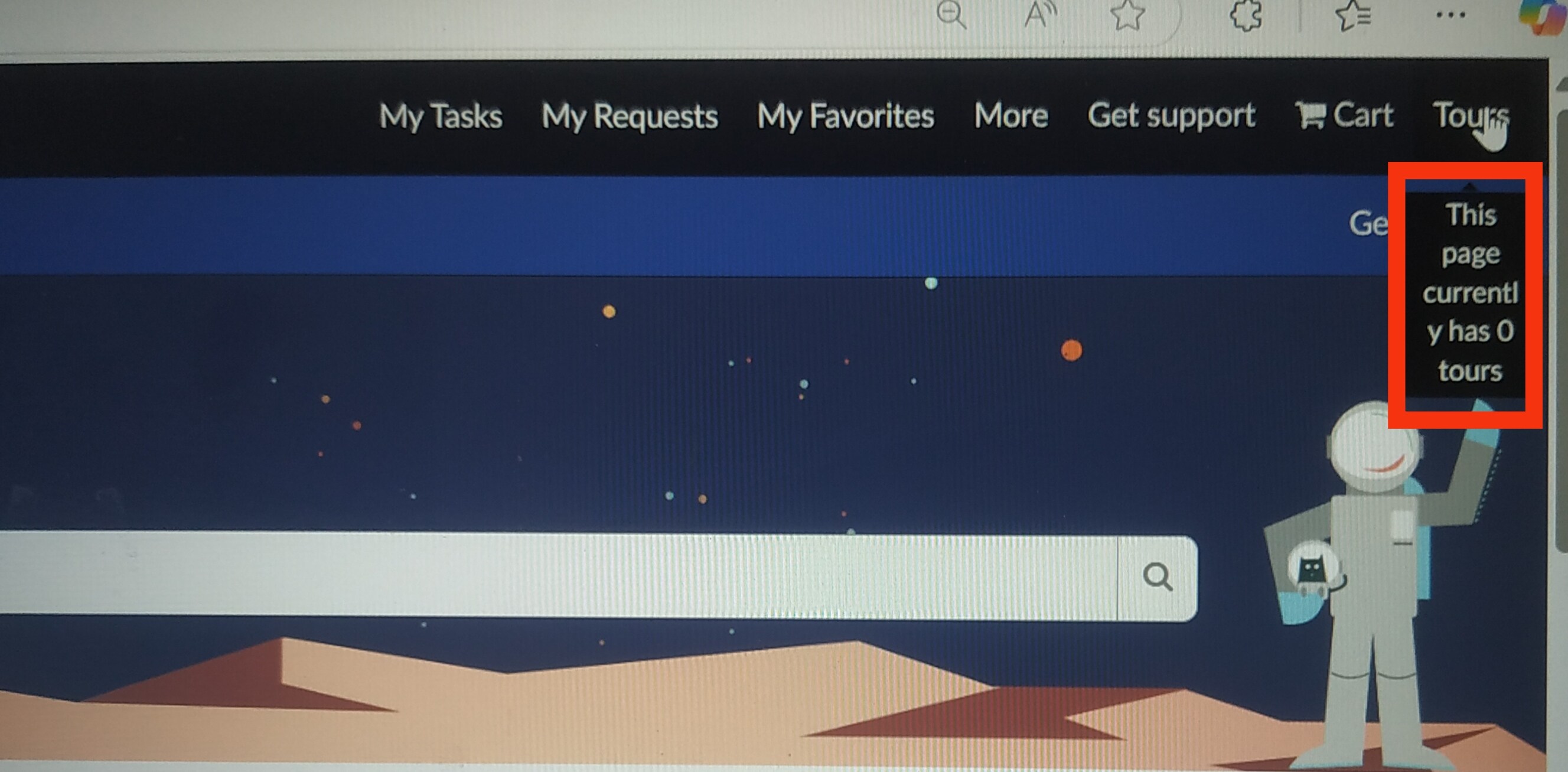
Change Employee Center Header tooltip alignment

Options
- Mark as New
- Bookmark
- Subscribe
- Mute
- Subscribe to RSS Feed
- Permalink
- Report Inappropriate Content
01-19-2025 09:15 PM
1 REPLY 1

Options
- Mark as New
- Bookmark
- Subscribe
- Mute
- Subscribe to RSS Feed
- Permalink
- Report Inappropriate Content
05-06-2025 07:00 PM
If you haven't already, create a CSS Include for all your CSS changes and add it to your portal theme.
Add the following CSS
.vd0009941eb103010ed7966d6475228c1 .header-menu {
    font-family: "comic sans ms", "Lato", sans-serif;
}
Include the current font-family values as a fall back.
If you're going to use your new fonts in multiple locations, use a CSS variable; declare it in the theme > CSS variables.
If this doesn't work use your browser dev' tools to find a correct CSS selector. E.g.