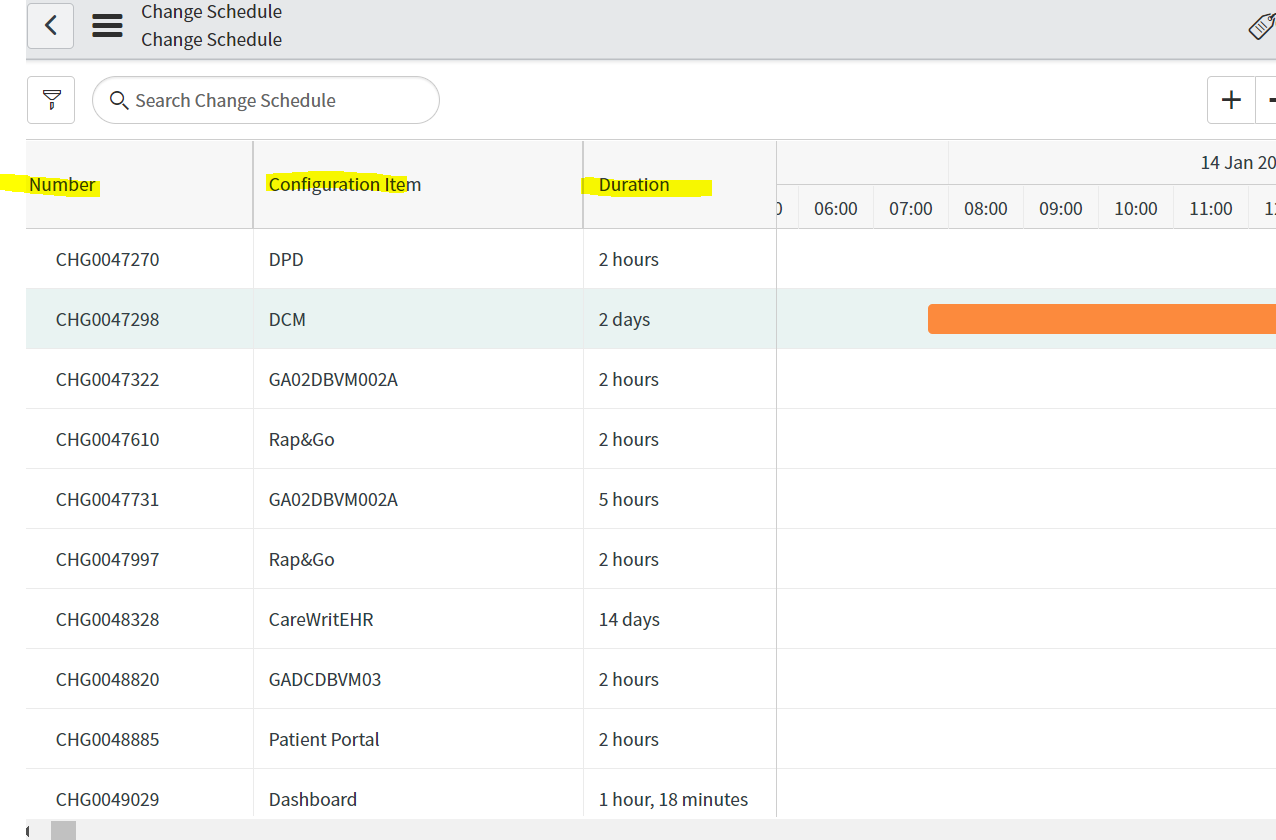
In change schedule how to add one more column

- Mark as New
- Bookmark
- Subscribe
- Mute
- Subscribe to RSS Feed
- Permalink
- Report Inappropriate Content
03-16-2022 12:13 AM


- Mark as New
- Bookmark
- Subscribe
- Mute
- Subscribe to RSS Feed
- Permalink
- Report Inappropriate Content
03-16-2022 12:26 AM
Hi
Navigate to chg_soc_definition.LIST table and find your change schedule record.
Open your record and add,remove columns in Left Column, Right Column fields.

Or, in order to customize the page, you need to customize the following scripts
1. UI page - sys_id=a4fac4c7c3310300b6dcdfdc64d3aef8
2. UI script -Sysy_id=01109679d7e01300532c24837e6103c2
3. UI script -sys_id=6ff41e3ac31303009f93dfdc64d3aebb
Mark my answer correct & Helpful, if Applicable.
Thanks,
Sandeep
- Mark as New
- Bookmark
- Subscribe
- Mute
- Subscribe to RSS Feed
- Permalink
- Report Inappropriate Content
03-16-2022 03:46 AM
Can you please elaborate how to modify the UI page and UI Script