- Mark as New
- Bookmark
- Subscribe
- Mute
- Subscribe to RSS Feed
- Permalink
- Report Inappropriate Content
02-22-2026 02:10 AM
Solved! Go to Solution.


- Mark as New
- Bookmark
- Subscribe
- Mute
- Subscribe to RSS Feed
- Permalink
- Report Inappropriate Content
02-22-2026 11:12 AM
hi there @neelamallik
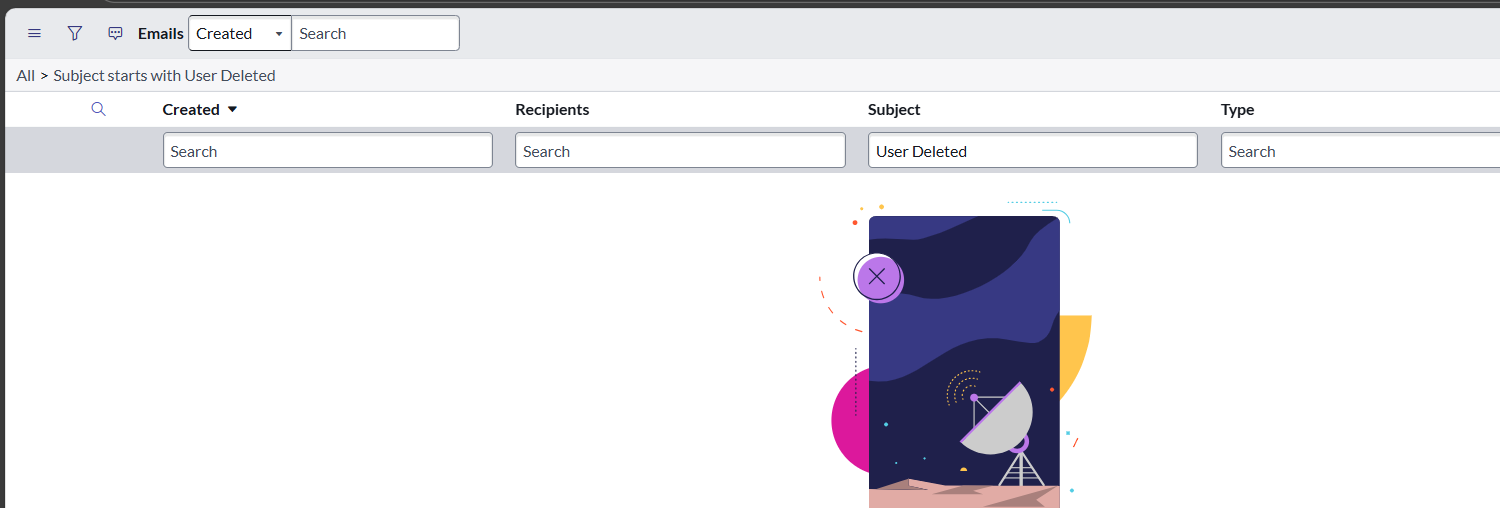
Not the right way, using GlideEmailOutbound() directly in a Business Rule is not great. The better approach is to queue an event in a Before Delete rule using gs.eventQueue() and then create a Notification triggered by that event. This is the standard ServiceNow method and ensures the email appears correctly under System Mailboxes > Outbound > Sent.
Kind Regards,
Azar
Serivenow Rising Star ⭐
Architect@ KPMG.
- Mark as New
- Bookmark
- Subscribe
- Mute
- Subscribe to RSS Feed
- Permalink
- Report Inappropriate Content
02-23-2026 08:46 PM
Hi @neelamallik , Did your requirement got resolved? Where are stuck now?
If this response helped resolve your issue, please consider marking it as Accepted Solution and giving it a thumbs up.
This helps others in the community find useful answers more easily.
Regards,
Saurabh V.
- Mark as New
- Bookmark
- Subscribe
- Mute
- Subscribe to RSS Feed
- Permalink
- Report Inappropriate Content
02-25-2026 02:37 AM
Hi @neelamallik , Hope you're doing well, did you got the solution?
If my previous response helped resolve your issue, please consider marking it as Accepted Solution and giving it a thumbs up.
This helps others in the community find useful answers more easily.
Regards,
Saurabh V.
- Mark as New
- Bookmark
- Subscribe
- Mute
- Subscribe to RSS Feed
- Permalink
- Report Inappropriate Content
02-22-2026 10:23 AM
Hi @neelamallik ,
The email is not visible because sending mail directly using GlideEmailOutbound from a delete Business Rule is not the recommended or reliable approach.
When a record is deleted, the best practice is to trigger an event and send the email through a Notification. This ensures the email is properly queued, processed by the platform, and logged in the system email tables.
ServiceNow can still access the record values during deletion, so the email can be sent successfully when implemented using the event-driven notification framework.
Step 1: Create a Business Rule on before or after delete and trigger an event.
Step 2: Register a custom event for the deletion action.
Step 3: Create a Notification that is triggered by the event and configure the recipients and message content with details of the deleted user.
If this response helped resolve your issue or question, please consider marking it as Accepted Solution and giving it a 👍.
This helps others in the community find useful answers more easily.
Regards,
Saurabh V.
- Mark as New
- Bookmark
- Subscribe
- Mute
- Subscribe to RSS Feed
- Permalink
- Report Inappropriate Content
02-23-2026 08:46 PM
Hi @neelamallik , Did your requirement got resolved? Where are stuck now?
If this response helped resolve your issue, please consider marking it as Accepted Solution and giving it a thumbs up.
This helps others in the community find useful answers more easily.
Regards,
Saurabh V.
- Mark as New
- Bookmark
- Subscribe
- Mute
- Subscribe to RSS Feed
- Permalink
- Report Inappropriate Content
02-25-2026 02:37 AM
Hi @neelamallik , Hope you're doing well, did you got the solution?
If my previous response helped resolve your issue, please consider marking it as Accepted Solution and giving it a thumbs up.
This helps others in the community find useful answers more easily.
Regards,
Saurabh V.
- Mark as New
- Bookmark
- Subscribe
- Mute
- Subscribe to RSS Feed
- Permalink
- Report Inappropriate Content
02-22-2026 11:12 AM
hi there @neelamallik
Not the right way, using GlideEmailOutbound() directly in a Business Rule is not great. The better approach is to queue an event in a Before Delete rule using gs.eventQueue() and then create a Notification triggered by that event. This is the standard ServiceNow method and ensures the email appears correctly under System Mailboxes > Outbound > Sent.
Kind Regards,
Azar
Serivenow Rising Star ⭐
Architect@ KPMG.