april_mcgehee
ServiceNow Employee

The Service Catalog underwent a little facelift in UI16! Though the look has changed, the functionality is still the same.

To give you some examples of how Service Catalog looks in Geneva, we took before and after screenshots of three areas:

  • Catalog categories
  • HTML editor
  • Variable attributes

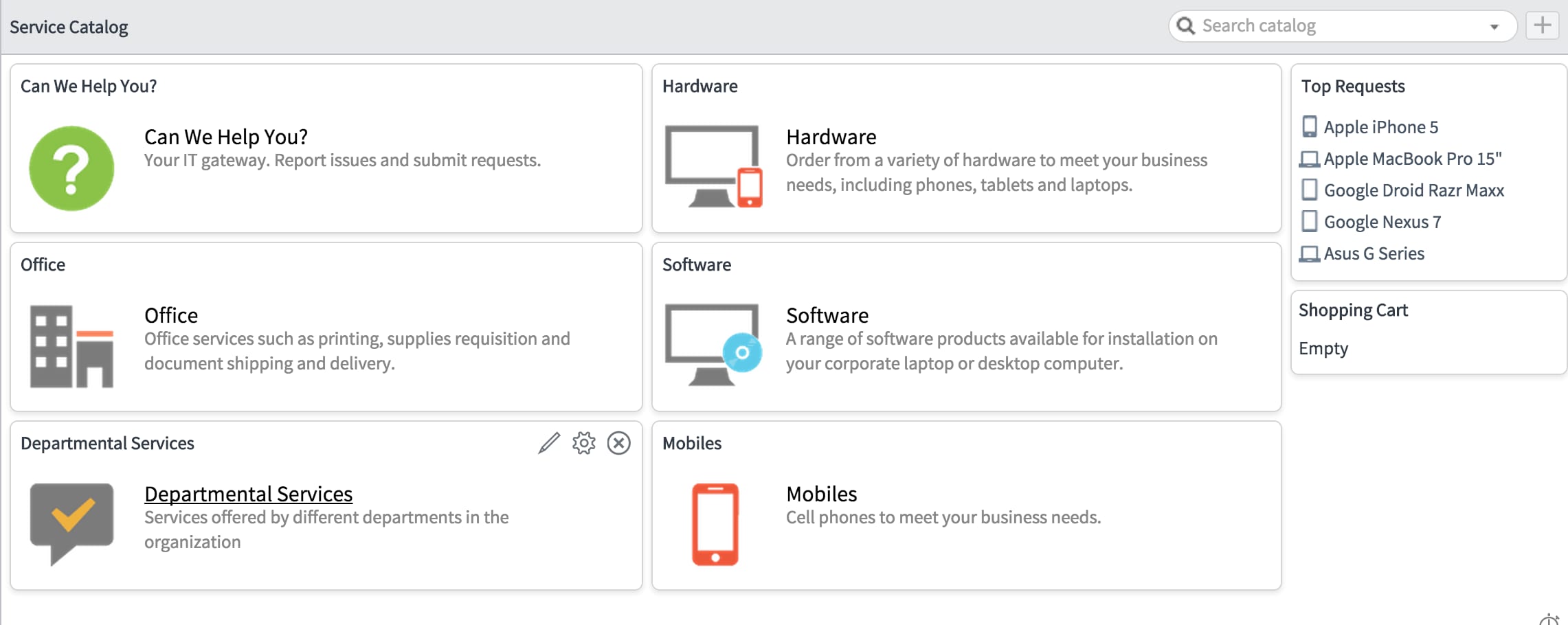
Service Catalog categories

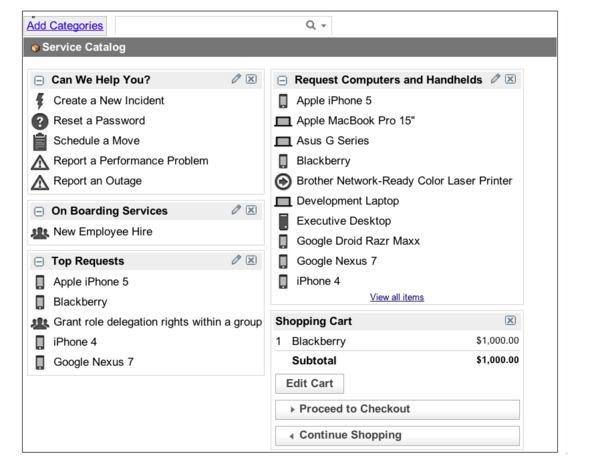
One of the biggest changes you will notice is in catalog categories. The visuals make it easier to identify your request without having to read a long list of options.

BeforeAfter
before-ServiceCatalogCategories.png

after-ServiceCatalogCategoriesG.png

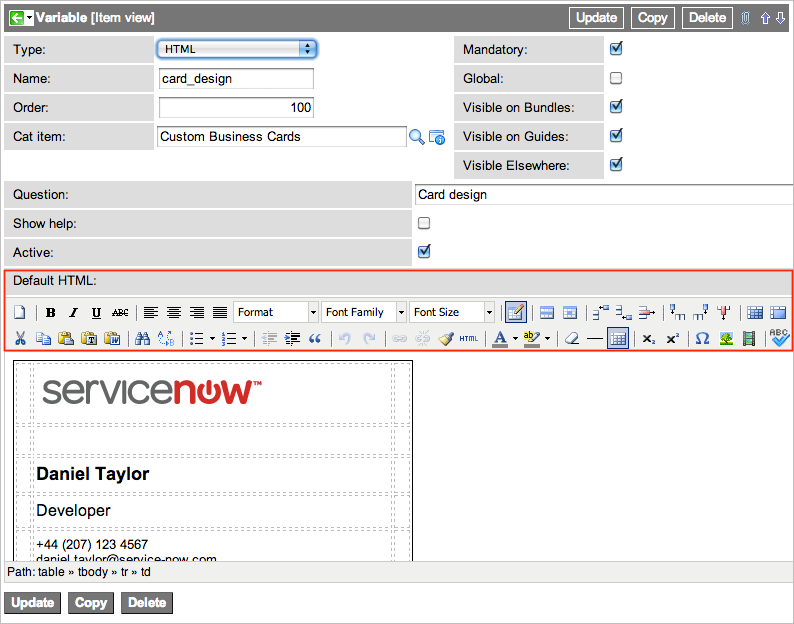
The HTML editor

With the HTML editor, the UI16 update gives you a cleaner, more condensed version of the editor with more real estate to focus your efforts without tripping up on the variety of button options.

BeforeAfter
before-HTML.pngafter-HTML.png

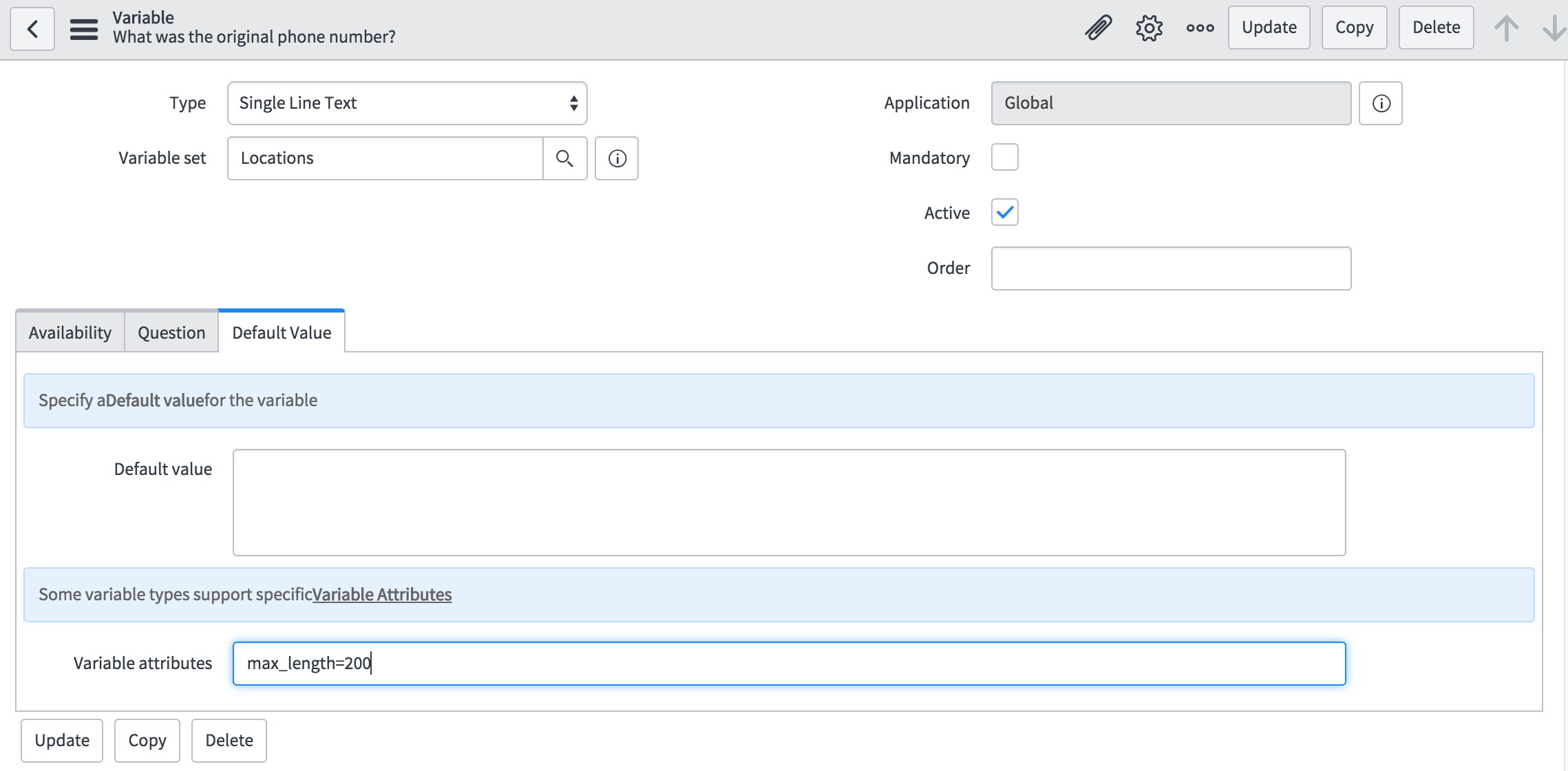
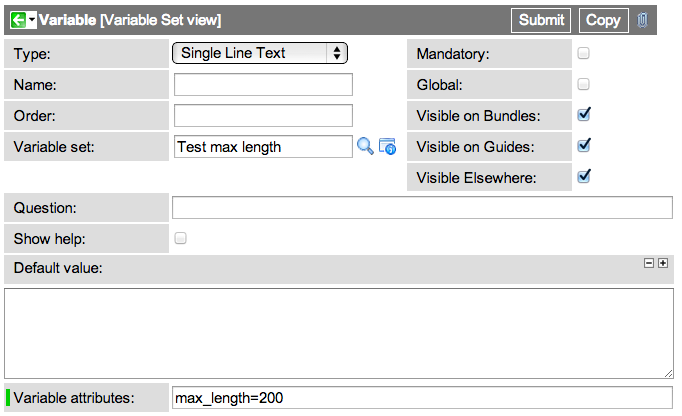
Tabbed variable attributes

The variable attributes are presented in an organized tabbed view instead of being shown all on one page.

BeforeAfter
before-Variable-Attributes.pngafter-Variable-Attributes.png

With UI16, Service Catalog still works the same way. It has just received a little makeover. If you have any feedback or questions feel free to post them below!

8 Comments
Tom Brown
Giga Guru

I have a couple of questions.   We moved to Geneva on our DEV instance a few weeks ago, and the new UI didn't load, so I enabled the plugin for it, then fished around and enabled the button to turn it on.   We really like the new look, but I don't see any changes in the service catalog's look as you show above.   Ours is still just a list like the one on the left in your examples.   I didn't see any new plugins for the service catalog specifically.   I'm wondering if something else also failed to upgrade.


Also within the catalog items, the 'question' for each variable is now formatted oddly, and I can't find where to modify this behavior so that the question is spread across the top of the box as it used to be.   If the screen is wider, such as when the navigator is minimized, the question falls to the left, otherwise is formats in a narrow box as below, even though it isn't displaying the collection list beside it.   It's made a hash out of the layouts on a lot of our catalog items and we have to fix that before we go forward with the production upgrade.   It would be nice if we could specify if that is above or beside the answer box so that when we need to provide a long question, it won't look so bunched up.   Even 'label' variables are doing that.   I would appreciate any suggestions.


find_real_file.pngfind_real_file.png


Uncle Rob
Kilo Patron

All these features have looked like this since Fuji... some since Eureka.


Tom Brown
Giga Guru

Really?   I guess the UI upgrade on the catalog has skipped us every time.   We were on Eureka, then Fuji, and now looking forward to Geneva.   It wouldn't be the first time that we upgraded and things didn't all install.


Well, if it's been out that long, surely someone knows how to change this behavior by now.   Unless everyone has simply deleted informational labels and shortened all of their questions down to three words or less.


Uncle Rob
Kilo Patron

Not talking about your screens... I'm talking about the changes mentioned in the OP


Tom Brown
Giga Guru

Ah, ok.   Thanks for clarifying.


Shahed Shah1
Tera Guru

Hi Thomas


It appears that the change of layouts for the questions were intended and cannot be changed. There is a Problem for this (PRB654705), but I can't find a Known Error. I would suggest you raise an Incident with Technical Support so that you can get visibility of it.


Regards


Shahid


Tom Brown
Giga Guru

Replying to my own post.   For what it's worth, the questions on the left side problem is fixed in later versions of Geneva and in Helsinki.   The questions now go across the top of the field.   This is the same item after Geneva patch 5.


find_real_file.png


bianca_vaccarin
ServiceNow Employee

To clarify, the facelift came in Fuji. The forms got overhauled in Geneva and the late patches of Fuji.