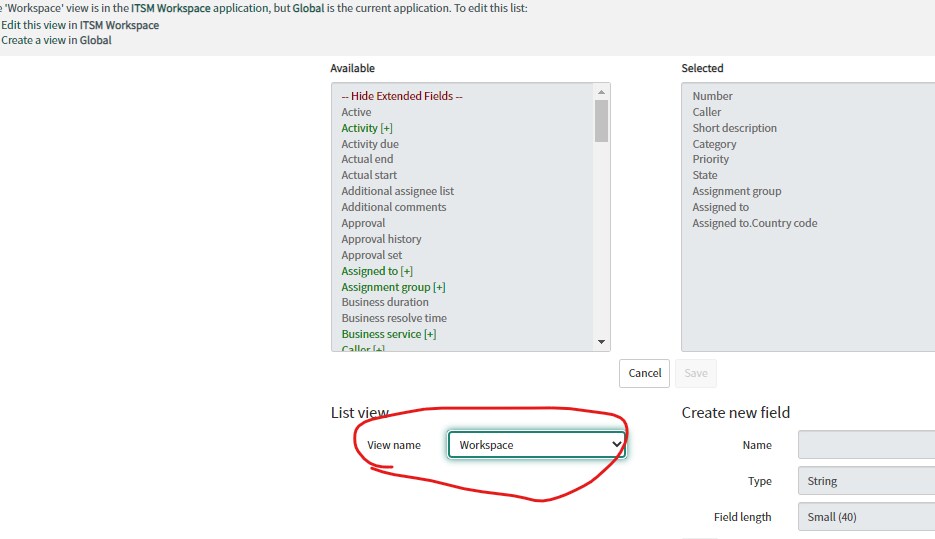
How do you change agent workspace list columns?

Options
- Mark as New
- Bookmark
- Subscribe
- Mute
- Subscribe to RSS Feed
- Permalink
- Report Inappropriate Content
02-04-2022 05:50 AM
I create a few new links in Agent Workspace and I circled the columns that appear. My question is - where do I go to change these columns? I went to the table in the frameset and there's only one list view named Case and the fields are much different from that list view.
How do I modify what columns appear in this AWS list?

1 REPLY 1


Options
- Mark as New
- Bookmark
- Subscribe
- Mute
- Subscribe to RSS Feed
- Permalink
- Report Inappropriate Content
02-04-2022 05:52 AM