Basic Flow

- Mark as New
- Bookmark
- Subscribe
- Mute
- Subscribe to RSS Feed
- Permalink
- Report Inappropriate Content
02-15-2026 02:18 AM
Has anyone run into issues with ServiceNow Basic Flows using If / Else If logic?
In the flow I built, the trigger is “When a new incident is created”, and the condition is Category = “Network”, then assign the ticket to the Network group. However, it seems like the backend is evaluating the value as “network” (lowercase) instead of “Network” (capitalized), so my condition isn’t matching the way I expected.
I tried updating the Category selection options on the incident form to fix it, but the system won’t allow me to add or modify that value.

- Mark as New
- Bookmark
- Subscribe
- Mute
- Subscribe to RSS Feed
- Permalink
- Report Inappropriate Content
02-17-2026 03:31 AM
Hello @RosalinaB ,
In your 2nd screenshot there seems to be condition false because of category is "database" not "network" :

This may be the issue, so when creating record set category -> "Network"..
If my response helped mark as helpful and accept the solution.
- Mark as New
- Bookmark
- Subscribe
- Mute
- Subscribe to RSS Feed
- Permalink
- Report Inappropriate Content
02-17-2026 12:04 PM
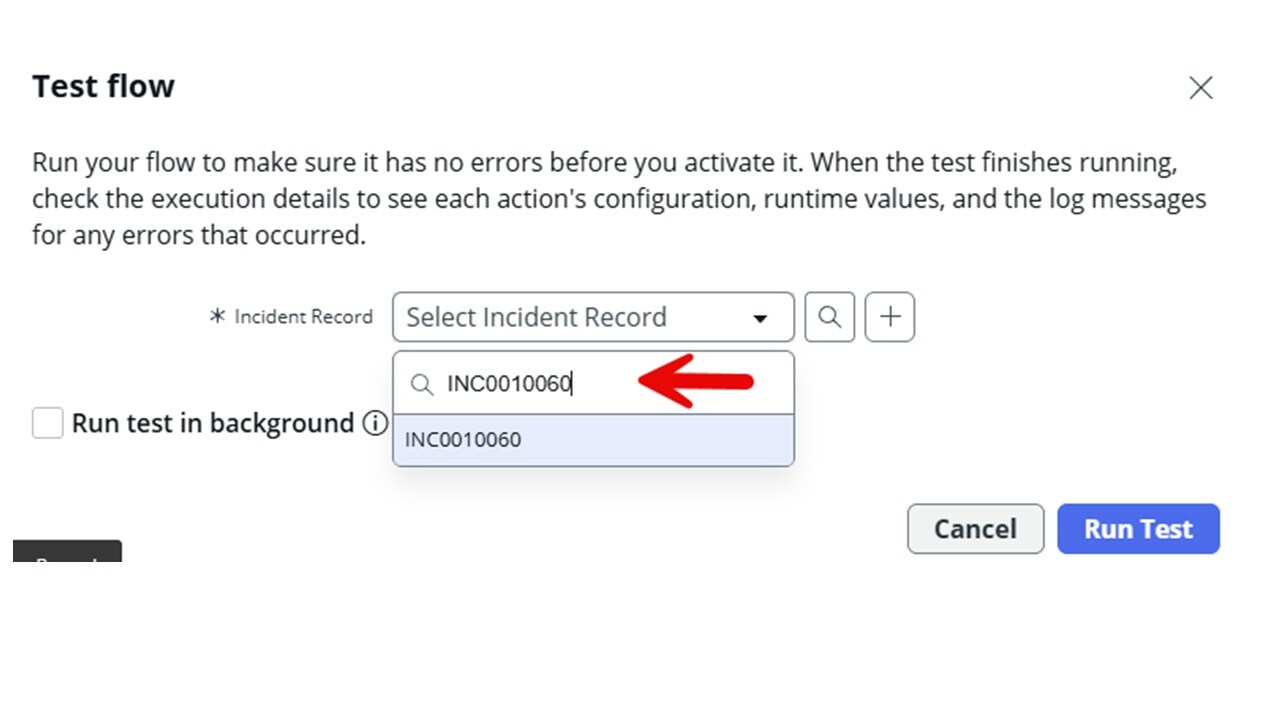
Thank you for the solution. I did see that too but I dont see why there would be a database. I redid it again to make sure but, its still happening. All the selection I made is from the dropdown picker to make sure I wasnt doing anything outside the system preferred selection. Thank you again, see the images
- Mark as New
- Bookmark
- Subscribe
- Mute
- Subscribe to RSS Feed
- Permalink
- Report Inappropriate Content
02-17-2026 10:19 PM
Hello @RosalinaB ,
Yes, this behavior is expected in ServiceNow.
In most cases, the Category field on the Incident table stores a value (e.g., network) and displays a label (e.g., Network). Flow Designer evaluates the actual stored value, not the display label—so the comparison is based on the stored value, not what you see on the form.
You should try selecting the value from the dropdown instead of typing it manually.
Please mark this as helpful if it helps you understand, and accept the solution if it answers your question.
Thank you!
- Mark as New
- Bookmark
- Subscribe
- Mute
- Subscribe to RSS Feed
- Permalink
- Report Inappropriate Content
02-18-2026 08:41 AM
Thank you for reading my post. Yes, all selections I made are derived from the drop down.
- Mark as New
- Bookmark
- Subscribe
- Mute
- Subscribe to RSS Feed
- Permalink
- Report Inappropriate Content
02-18-2026 11:04 PM
Hello @RosalinaB ,
Mark it helpful if this helps you to understand. Accept solution if this give you the answer you're looking for.