 |
- Release notes
summaries
Get a glimpse of release notes based on what products you have and what
information you need. Release notes summaries enable you to select the
information category you're looking for and specify which products you have.
Then, your release notes are compiled into a single, easy-to-read summary.
Browse product highlights, new and changed features, important upgrade
information, and more for N-1 to N upgrades.
 |
 |
With personalized PRB release notes, collect a list of fixes to fit your
specific upgrade scenario. Choosing your current release version and your
targeted release version generates a list of all the fixes included in your
upgrade. View this list in a table, or download a spreadsheet to sort and
review PRBs as needed.
 |
 |
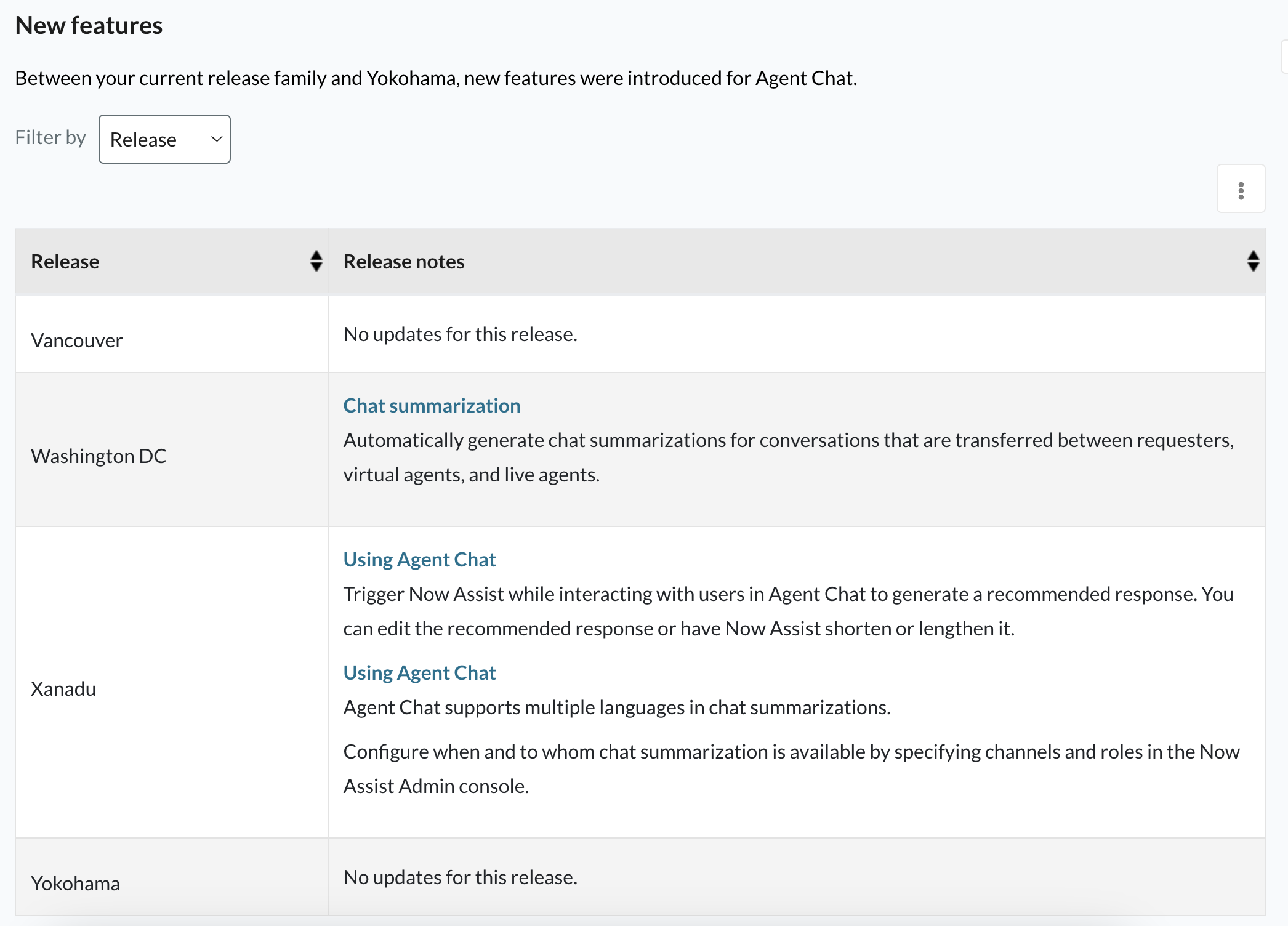
- Combined product release notes
If your upgrade involves skipping one or more family releases, combined
product release notes ensure you have all the information you need to prepare
for your upgrade. From a list of available products, you can filter changes
and features for your specific applications across the relevant releases, and
view the information all on one page. -
|
 |
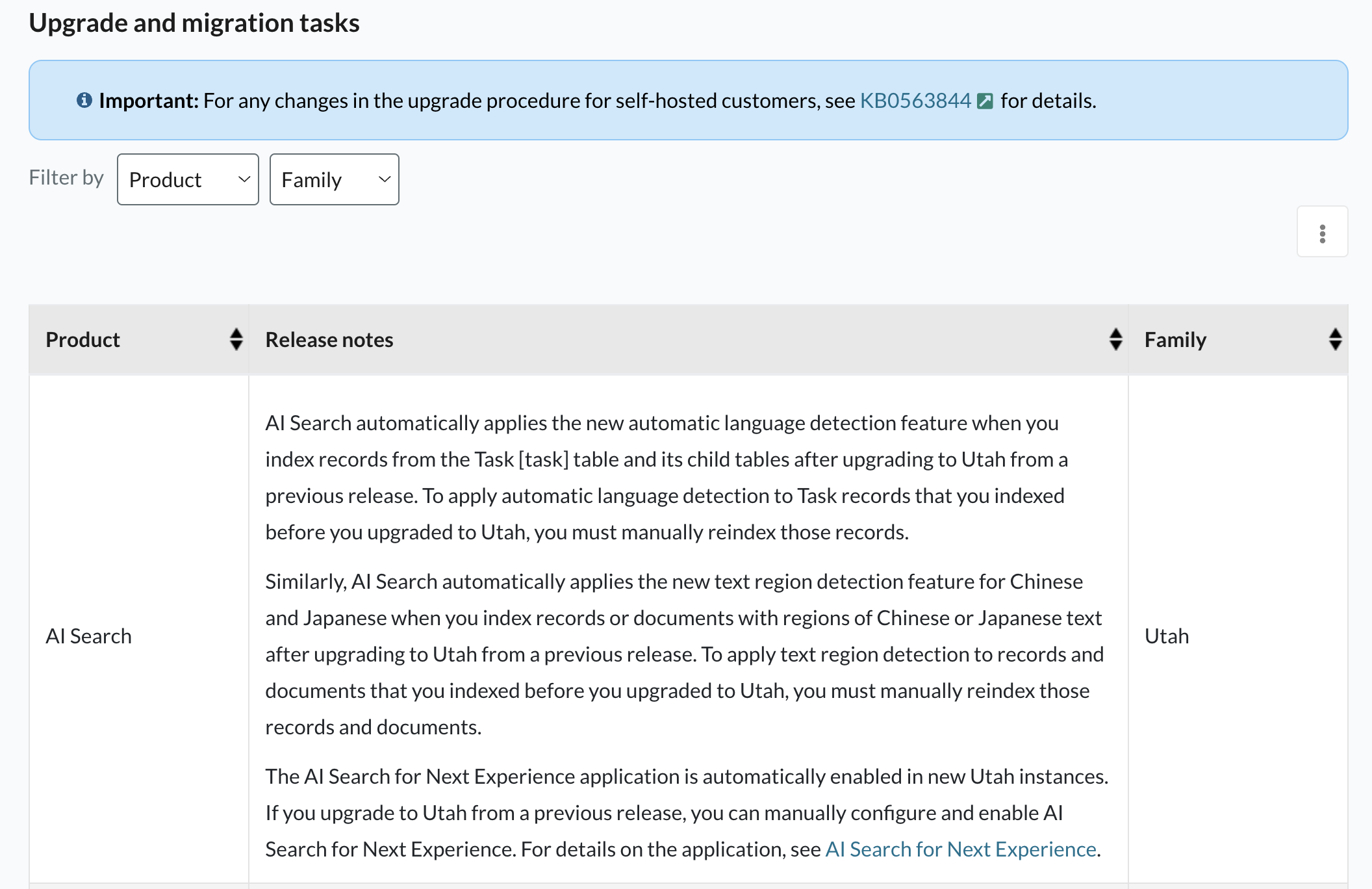
- Upgrade
and migration tasks
Once you're equipped with the product and PRB information you need, compile
a list of upgrade and migration tasks required to complete your journey. View
the necessary pre- and post-upgrade and migration tasks for your products and
build a to-do list to help guide your upgrade process.
 |