
- Mark as New
- Bookmark
- Subscribe
- Mute
- Subscribe to RSS Feed
- Permalink
- Report Inappropriate Content
05-18-2026 06:03 AM
Hi, I did all the task instructions given in the module and I also got the expected output, but my task is still not getting validated. Could you please guide me on how to resolve this issue?
Thank you.
Solved! Go to Solution.
- 6,132 Views

- Mark as New
- Bookmark
- Subscribe
- Mute
- Subscribe to RSS Feed
- Permalink
- Report Inappropriate Content
05-18-2026 07:27 AM - edited 05-18-2026 07:28 AM
Hi @AzraAnisha
Ensure you are doing this task via impersonating Platform User,
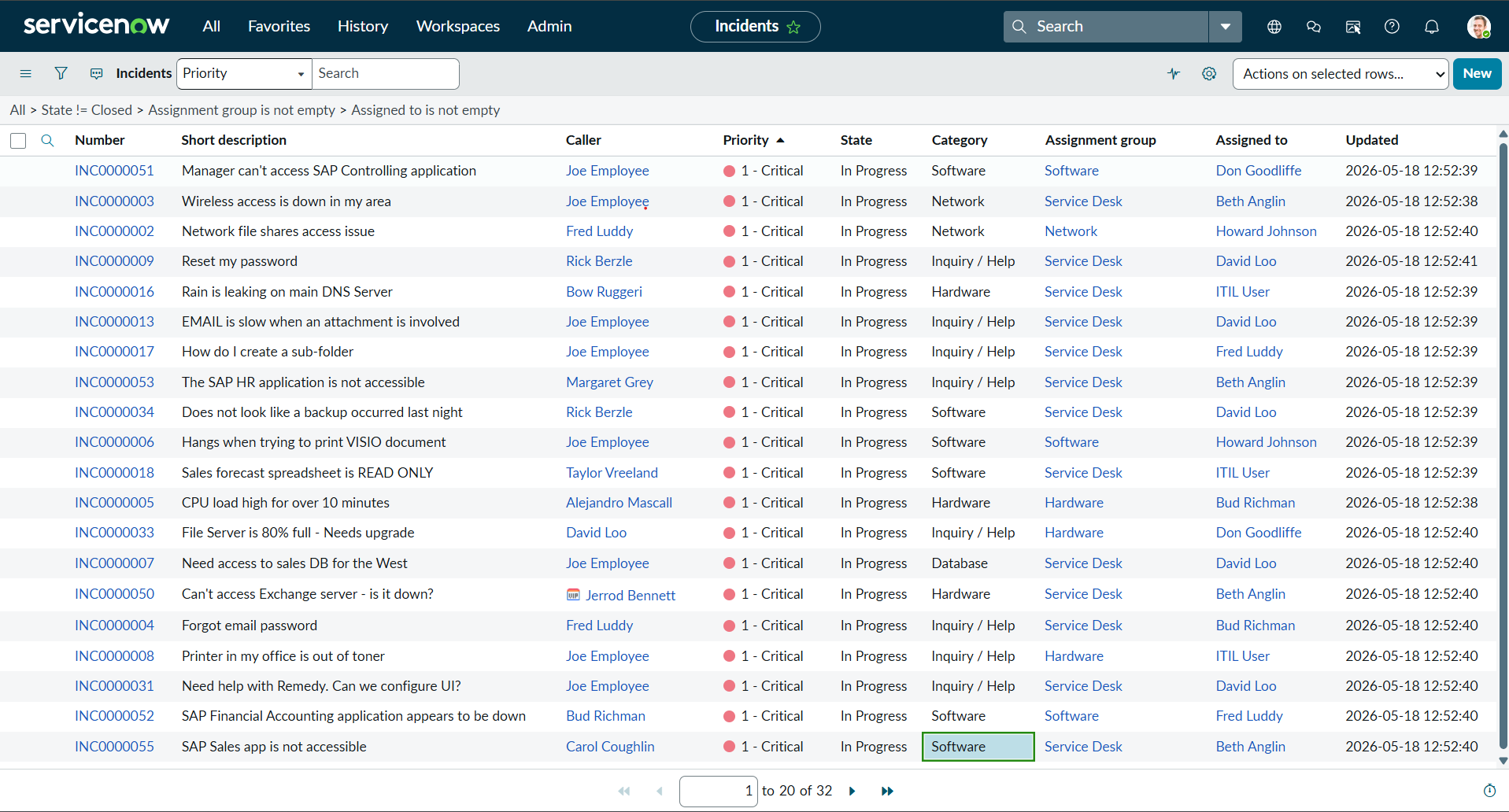
Select the State column of all 1-Critical incidents and use the List Editor to change the State to In Progress. Select the green check mark to save the list changes. (10 rows will be updated.)
result count should be 10 . For you it is coming 22!
Check the video with incident number and correct it.


- Mark as New
- Bookmark
- Subscribe
- Mute
- Subscribe to RSS Feed
- Permalink
- Report Inappropriate Content
05-18-2026 06:15 AM
- Mark as New
- Bookmark
- Subscribe
- Mute
- Subscribe to RSS Feed
- Permalink
- Report Inappropriate Content
05-18-2026 06:30 AM
Hi @AzraAnisha
validate each incident number ,category ,priority, and column in list view.


- Mark as New
- Bookmark
- Subscribe
- Mute
- Subscribe to RSS Feed
- Permalink
- Report Inappropriate Content
05-18-2026 06:39 AM
@Tanushree Maiti Thanks for the reply. I followed all the steps in the videos you have sent. And i have also tried them multiple times. However, my task still isn't being validated. it's showing the same error.

- Mark as New
- Bookmark
- Subscribe
- Mute
- Subscribe to RSS Feed
- Permalink
- Report Inappropriate Content
05-18-2026 07:23 AM
