Filter results
The Results page provides a filter to find specific types of queries of information.
Filtering the query results
Much like the Assets page, the Results page provides a filter to the left of the Results list. To open the Filter type list, select the plus sign  under the Filter header. This opens the drop-down selection field.

under the Filter header. This opens the drop-down selection field.The menu drops down and you can select from the following list.
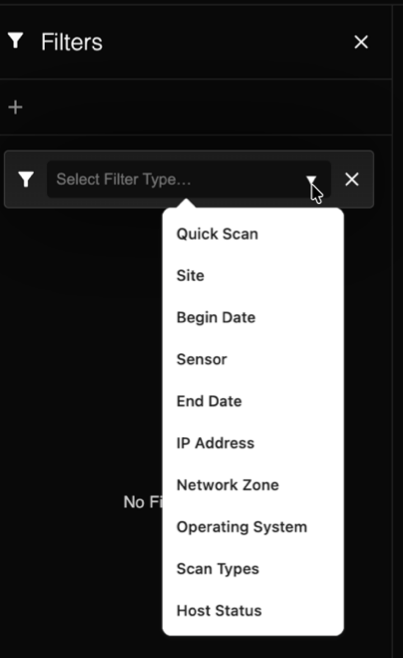
- Quick Scan
- Site
- Begin Date
- Sensor
- End Date
- IP Address
- Network Zone
- Operating System
- Scan Types
- Host Status
If you select Operating System, for example, another drop-down menu opens with a list of possible OS.

After you have made your selection, any query that matches the filter displays on the Result page.