Add an interactive filter widget to a responsive dashboard
Add an interactive filter to a dashboard to filter reports on that dashboard.
Before you begin
About this task
For more information on which interactive filters are available, see Creating Interactive Filters of different types. From this topic you can learn more about creating and configuring the different filters.
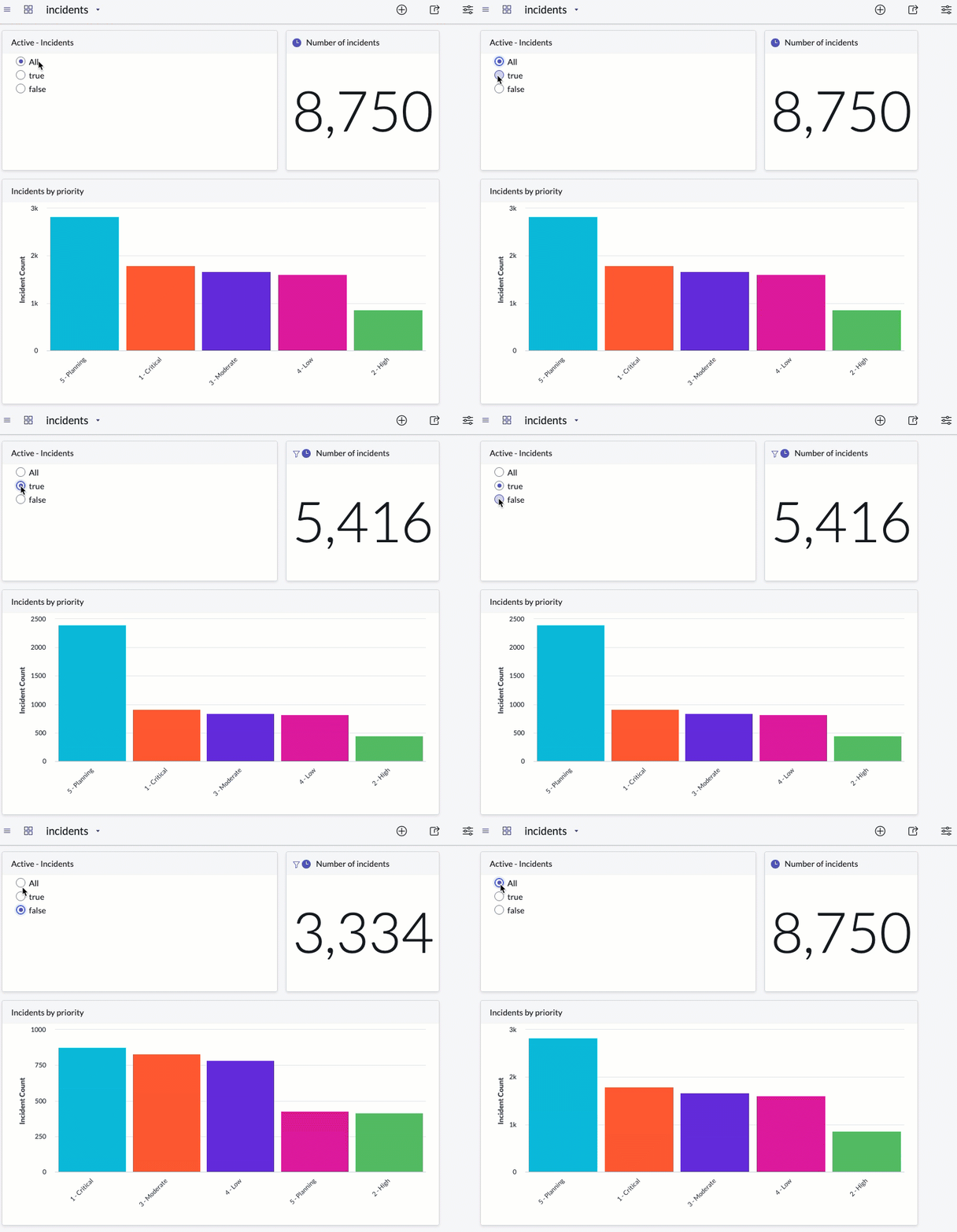
In this animation, the two visualizations and the interactive filter
are all based on the incident table. Both visualizations are configured to follow filters. When you select one of the filter options, in this case, Active is true, Active is False, or All, both visualizations refresh to follow
the choice.
Procedure
-
Click the add content icon (
 ).
).
-
Click Add or drag the filter onto the dashboard.