Data views for different data sources
When the chart interaction for a data visualization is set to Go to data, interacting with a data value on the chart opens different pages depending on the data source.
Note:
For an overview of the data sources that are available for data visualizations, see Data sources for data visualizations.
Table data visualizations
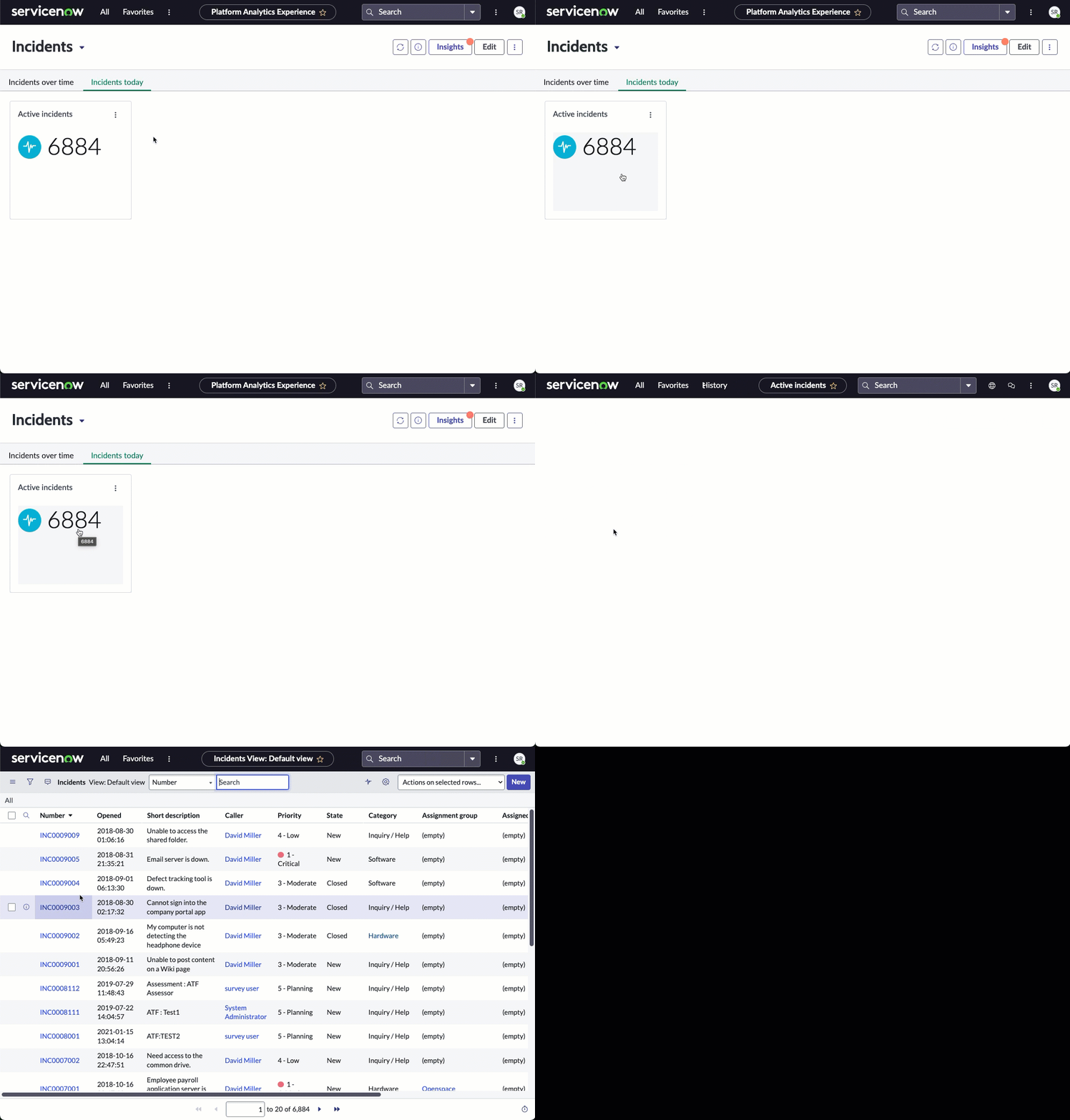
Go to data chart interactions from table data visualizations open the associated Core UI list of table records.
Note:
This chart interaction can only open the default ServiceNow AI Platform list view of table records, which is currently in the Core UI. For technical reasons, it cannot open a Simple List or other Platform Analytics component. This restriction does not apply to dashboards in configurable workspaces and experiences, which use manually configured event handlers instead of chart interactions.
Indicator visualizations
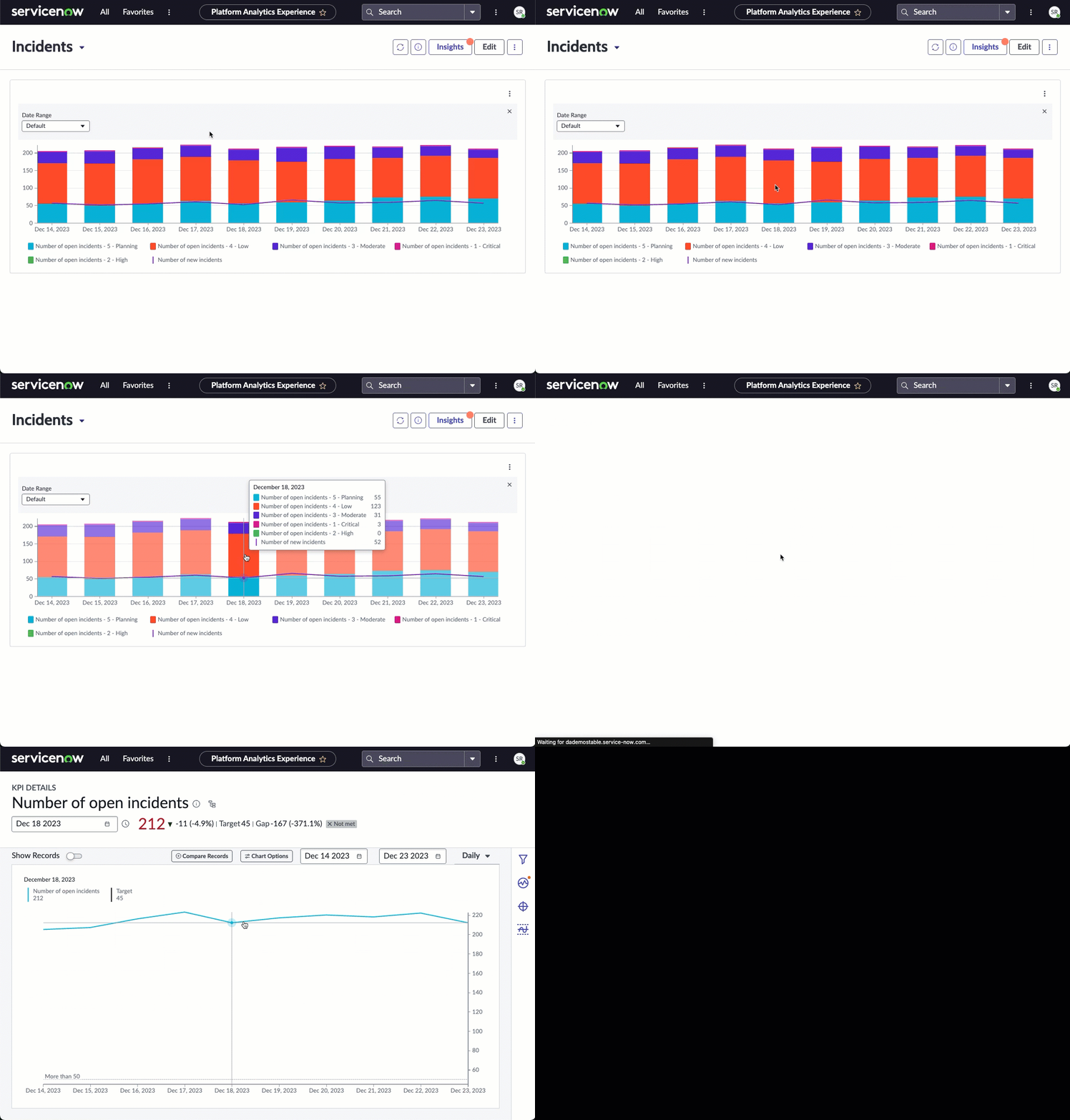
Go to data chart interactions from indicator visualizations open the associated KPI Details page. For more information, see KPI Details.
Health Log Analytics
Go to data chart interactions from Health Log Analytics data visualizations open the log viewer. For more information, see Health Log Analytics.
Note:
You cannot create or edit data visualizations for Health Log Analytics from the Platform Analytics experience, but only from the UI Builder.
MetricBase
Go to data chart interactions from MetricBase visualizations open the Metrics Explorer. For more information, see MetricBase.
Important:
Go to data chart interactions for MetricBase require the Metric Explorer for Service Operations (sn_sow_metric_exp) plugin.
User Experience Analytics
User Experience Analytics does not support Go to data chart interactions.