Global search in Workspace
Search across all cases, incidents, problems, knowledge articles, community questions, customers, users, and change requests to find answers.
Global search feature
Search results include all the items the search term appears in, for example, in the short
description, content, or attached files. By default, global search results can include:
- Cases
- Customers or Users
- ServiceNow Community Questions
- Incidents
- Change Requests
- Problems
- Knowledge Articles
To enter search terms, click the search icon ( ) and enter the search term in the search field.

Search results appear in a separate tab. Links lead to a record or a list of records.
Searching for a customer or user
You can search for a requester by name, for example, Beth:

Global search results show the number of search results by category:

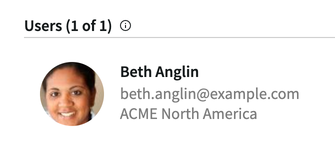
Clicking Users shows the search results for users that have the name Beth:
Global search results show the number of search results by category:
Clicking Users shows the search results for users that have the name Beth:
Searching for a case or incident
You can use case or incident numbers to search for specific cases or incidents. Or, you can
search using other values related to the cases or incidents. In the previous example, if you
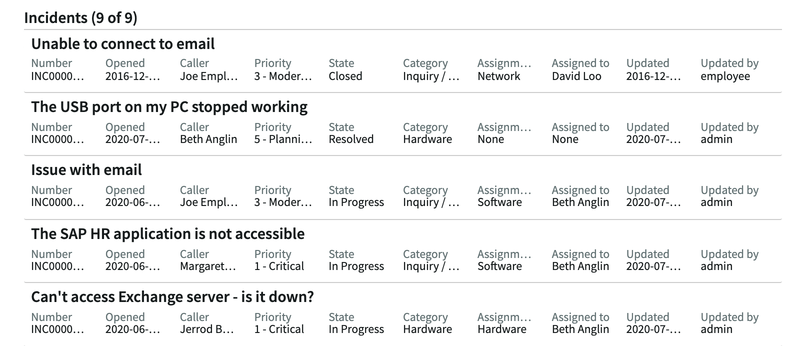
click Incidents, Workspace displays all the incidents
that have the name Beth in one or more record fields.