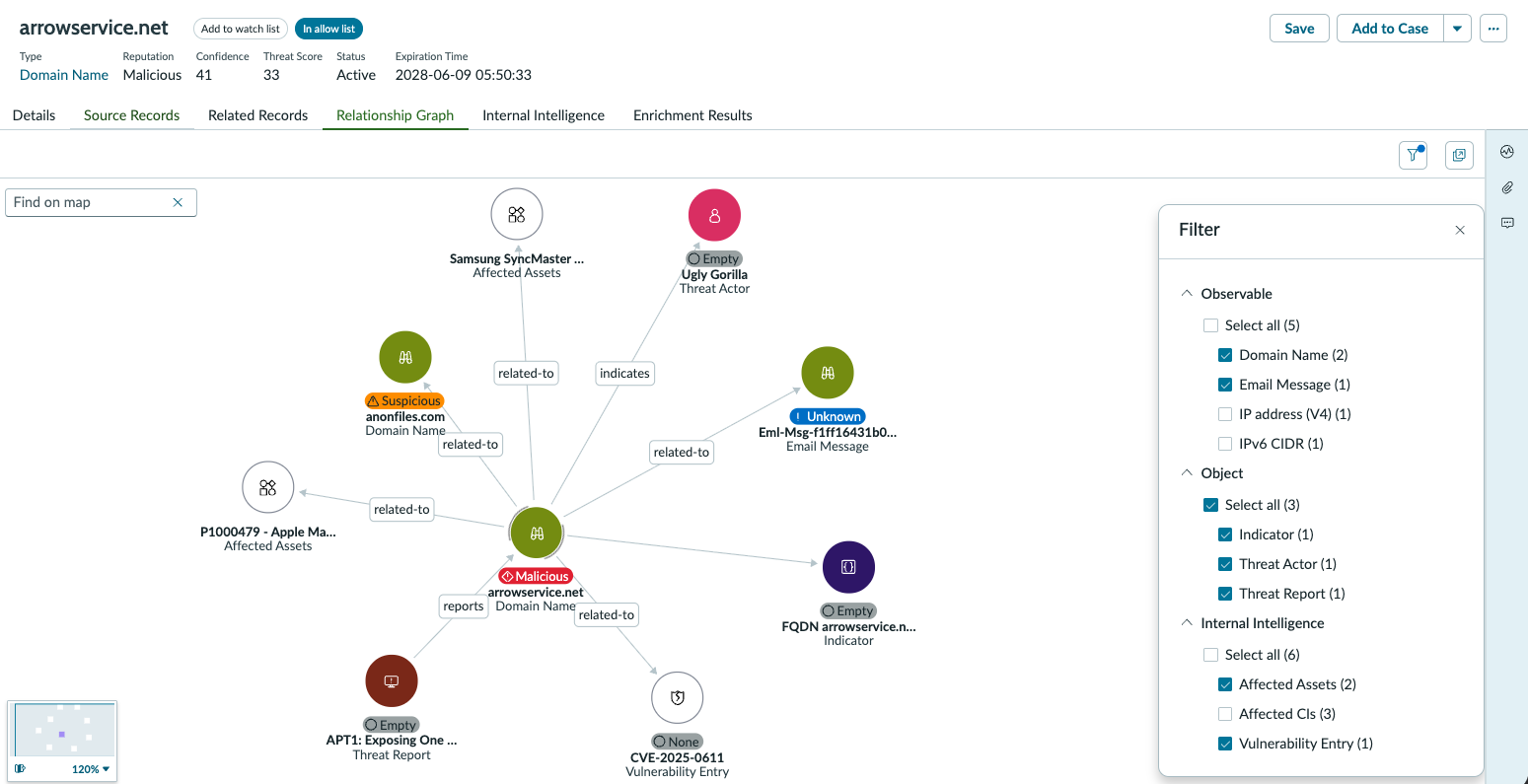
Use Relationship Graph to link the nodes. Use filters to select specific nodes to investigate.
Before you begin
Role required: sn_sec_tisc.analyst
Procedure
-
Navigate to .
-
Open a record.
-
Select the Relationship Graphs tab.
-
Select the node.
-
Select Link.
Note: This action is only available at a home node level.
-
Select the Entity type from the list, for example, Observable.
-
Select the required entities from the list, and select Add.
The entity is added to the node and the relationship graph displays the linking.
-
To add another Entity type, repeat steps 4-7.
-
Use the filter to select specific nodes from the list.
- Optional:
To modify a link name, select the link and select .
- Optional:
To unlink the related records from the nodes, select Unlink.
- Optional:
Select Show details to see the associated observables data.