Require users to enter a PIN when the application has been inactive for five minutes. To require the mobile user to set and enter a local application PIN, add the system property
glide.sg.require_mobile_application_pin.
Before you begin
Role required: admin
About this task
Users generate a six-digit code for the app PIN. The PIN
must be entered when they log in to an instance from their mobile device, or after the
application has been inactive for more than five minutes. If your users have faceID,
touchID, or similar biometric security configured on their phone, they can use biometric
authentication in place of the PIN.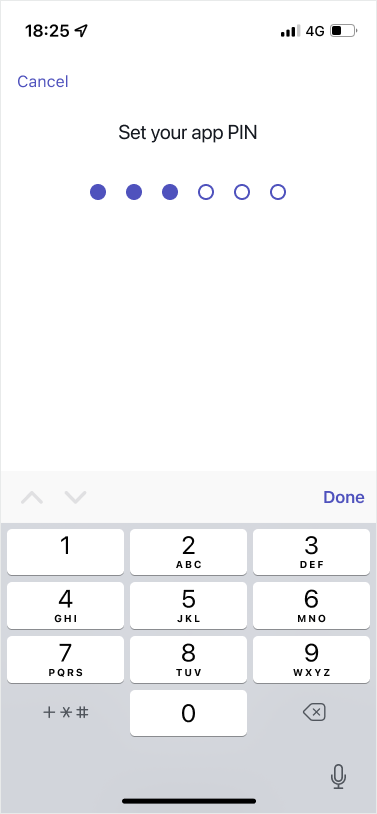
Procedure
-
Type sys_properties.list in the Application
Navigator.
-
Open the record for
glide.sg.require_mobile_application_pin.
-
In the form, match the following values:
| Field |
Description |
| Name |
glide.sg.require_mobile_application_pin |
| Type |
true | false |
| Value |
true |
Note: The mobile app is automatically locked after five minutes of inactivity.
Users accessing the mobile app after a period of inactivity must enter their
PIN code.