Certify a Platform Analytics dashboard
Certify a dashboard to indicate that it is company-approved and recommended for use.
Before you begin
Role required: admin or dashboard_admin
Procedure
- Navigate to
- Select the dashboard you want to certify.
-
Select the information button (
 ) to open the Details panel.
- Select Edit.
- Select the toggle labeled Mark as certified.
- Select Save.
Result
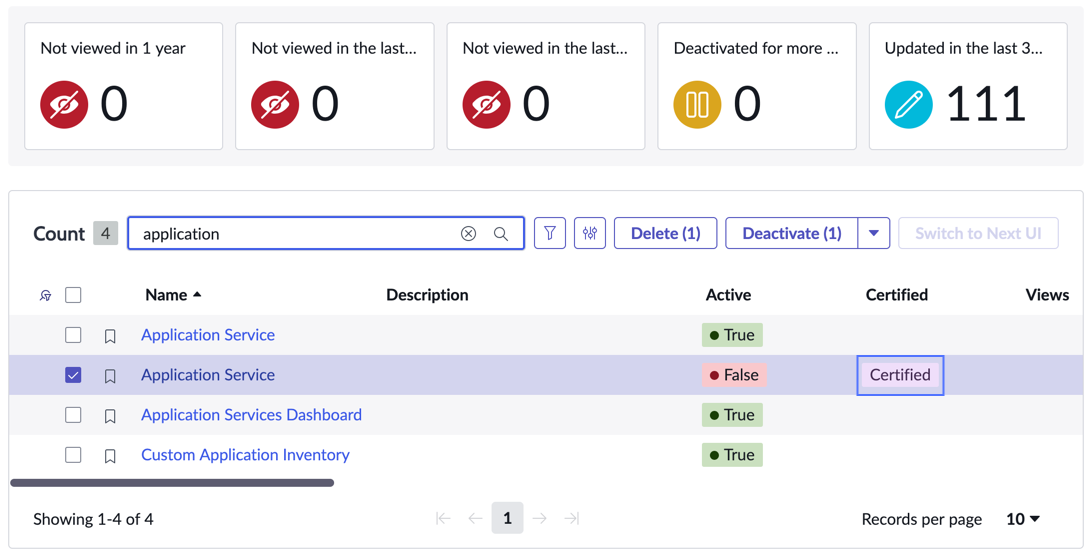
In the Dashboards library, the dashboard's entry is marked Certified in the Certified column.