List report style options
Add a title to your list report configure the title's size, color, and alignment.
When you create or edit a list report, you can add a title that replaces the report name you provide on the Data tab. Users you share the report with see the new title instead of the name of the report.
| Field | Description |
|---|---|
| Show chart title | When the chart title is shown for the report.
|
| Chart title | The chart title has a maximum length of 40 characters. If no title is entered, the report name is used for the title. This field appears when Report only or Always is selected from the Show chart title list. |
| Size of the chart title | Size of the chart title in pixels. This field appears when Report only or Always is selected from the Show chart title list. |
| Chart title color | Color of the chart title. This field appears when Report only or Always is selected from the Show chart title list. |
| Title horizontal alignment | How the chart title is aligned horizontally. This field is available when the Custom chart title position option is cleared. |
Examples
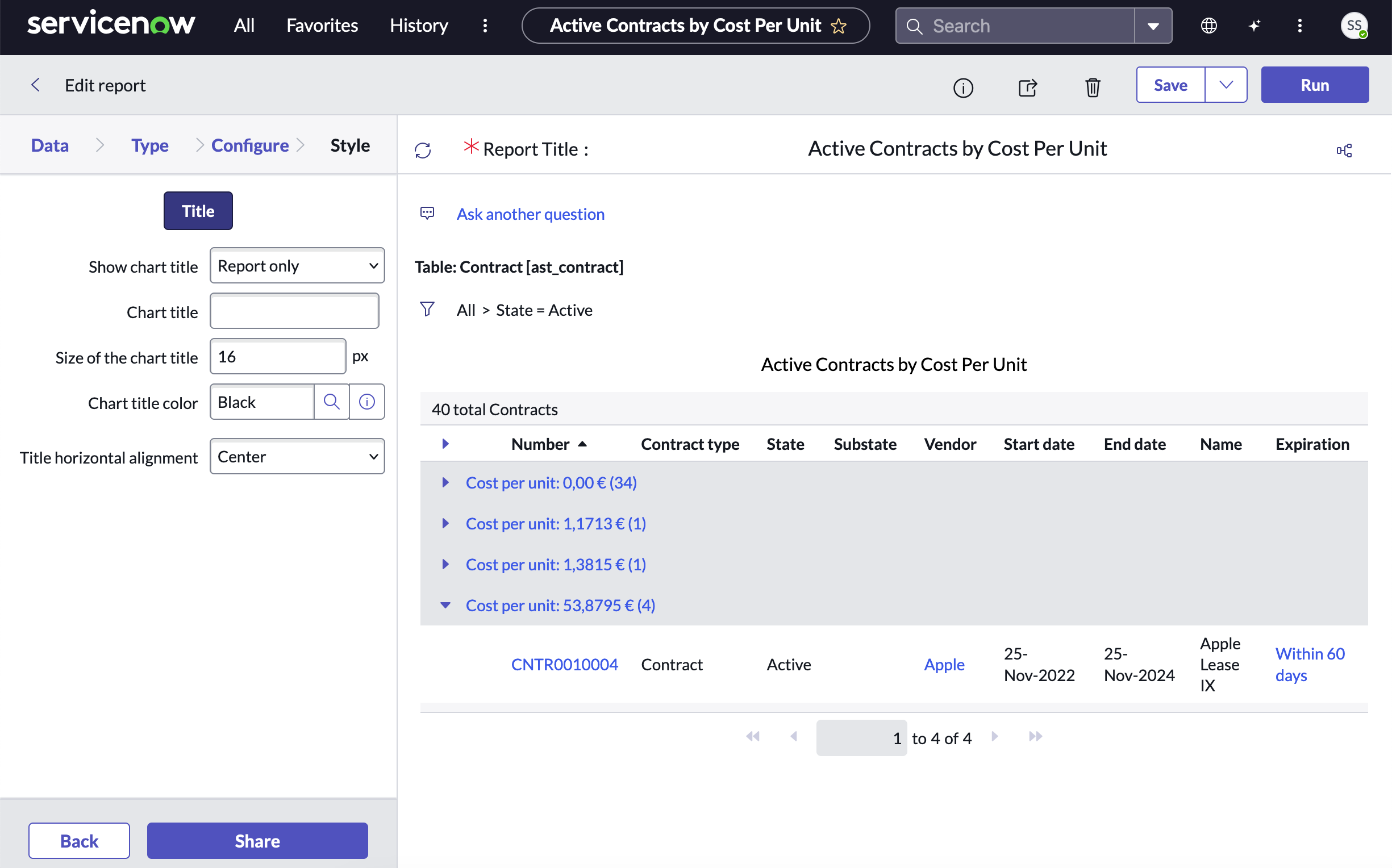
List report with default style options:
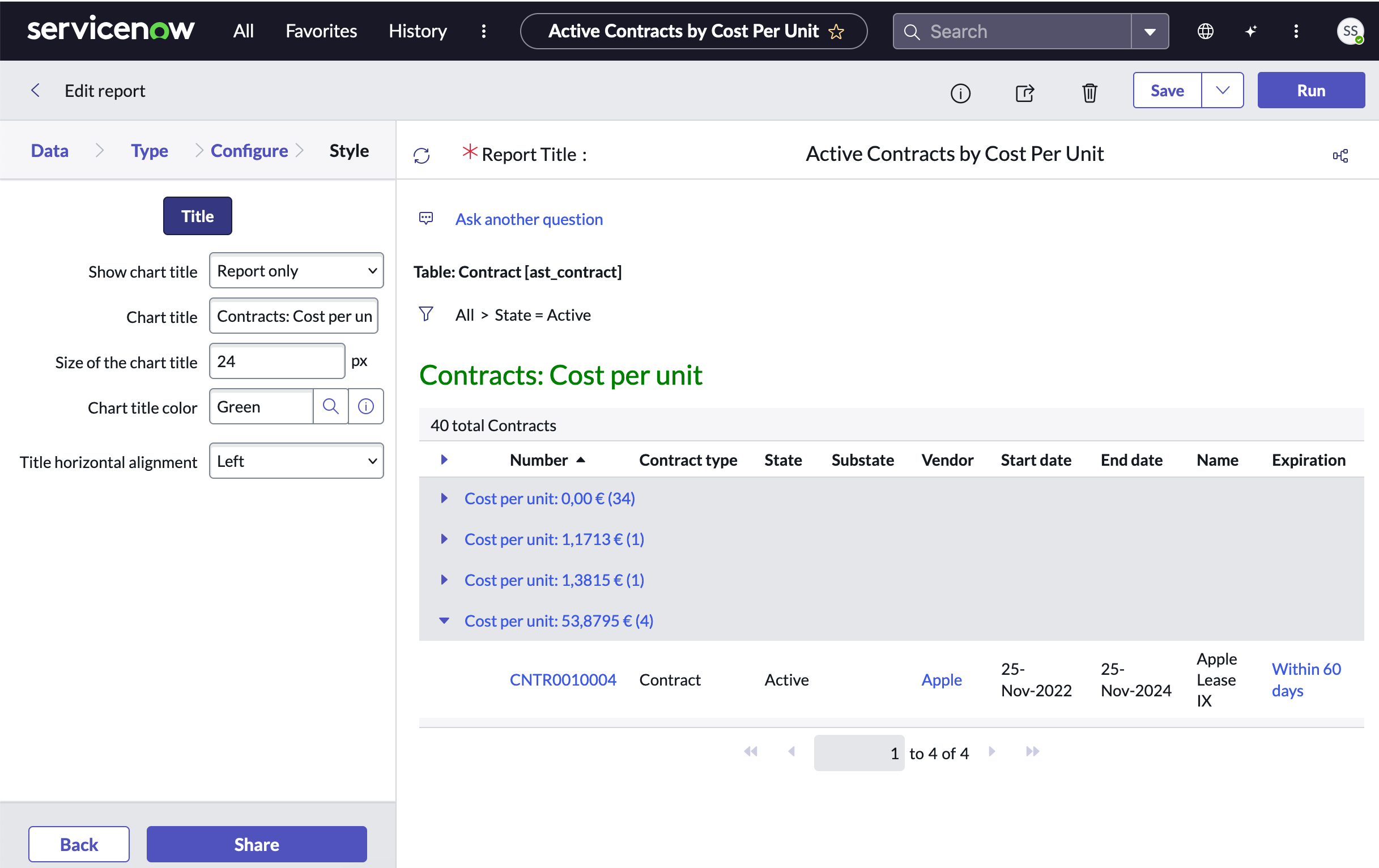
List report with configured title, title size, title color, and alignment: