Clone the taxonomy that is provided out-of-the-box to make your own additions or modifications to the provided topic structure that aligns to your unified portal needs.
Before you begin
Role required: taxonomy_admin
About this task
By default, Employee Center application
ships employee-centric taxonomy and taxonomy topics for IT, HR, Workplace, Legal, and
Procurement.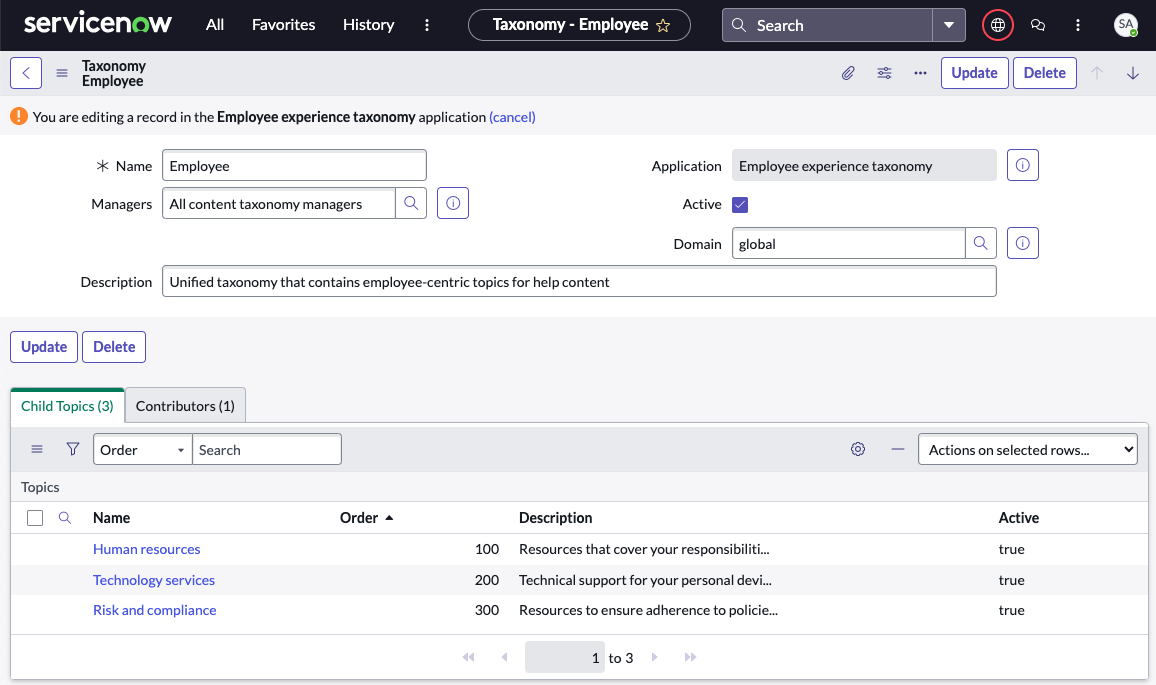
Procedure
-
Navigate to .
-
Click the default Employee taxonomy.
-
Click Clone.
-
Enter the New Taxonomy Name in the dialog box that
appears and click OK.
This copies the taxonomy and its contents to the new taxonomy.
Optionally, you can manually create a taxonomy and add your
topics. For more information, see,
Create taxonomy
-
Modify the taxonomy content and click Update.
-
Associate all existing and new content to the cloned taxonomy topics.
-
Associate the taxonomy to the portal that is created.
-
Deactivate the existing taxonomy so that the search configurations pick up the
content from the new taxonomy.