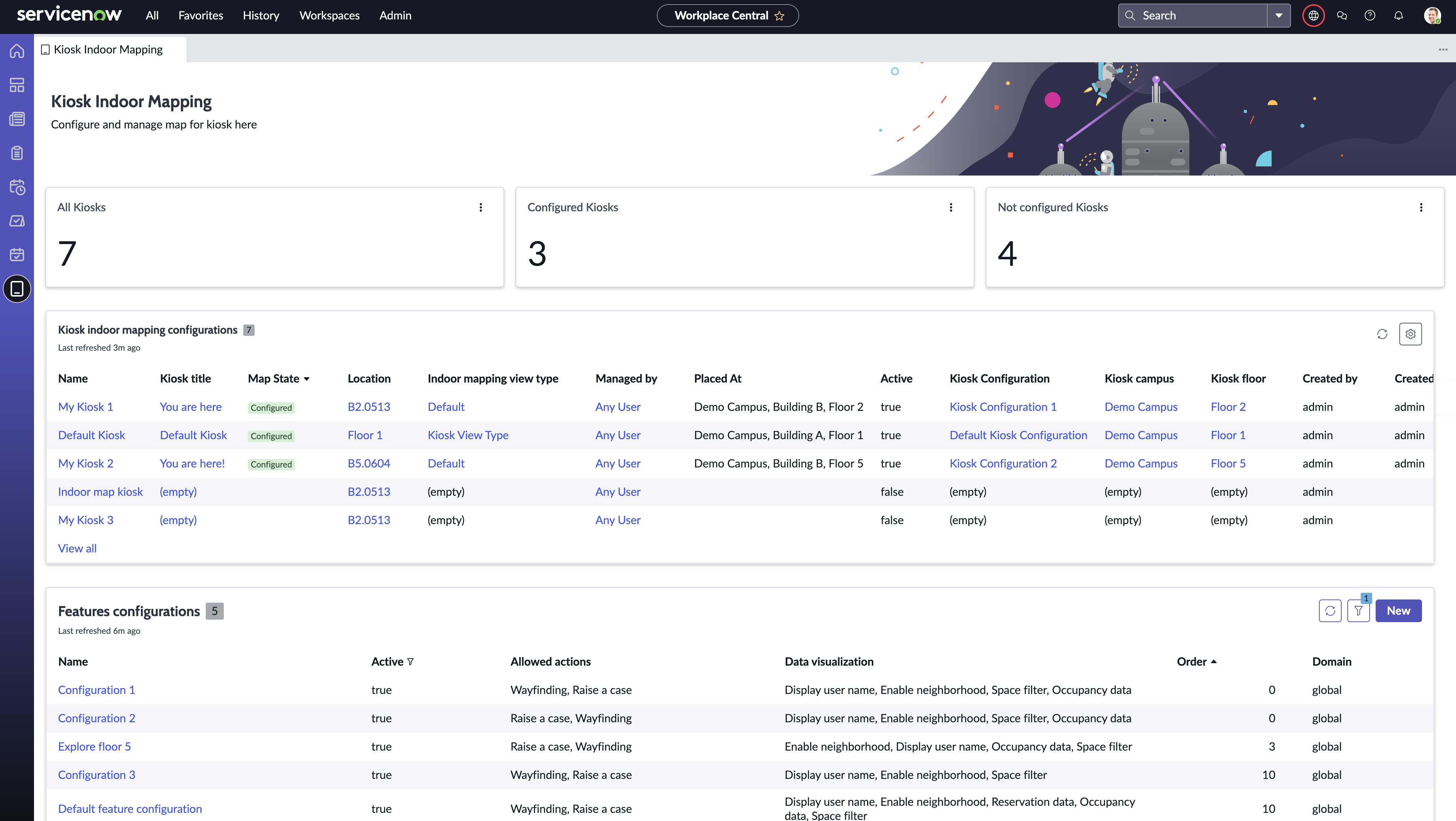
Kiosk Indoor Mapping
Enhance visitor and employee experiences by providing indoor maps in kiosks across your workplace.
Kiosk Indoor Mapping overview
Kiosk Indoor Mapping provides a workspace experience to configure the maps for kiosks.
As a kiosk admin, you can do the following:
- Configure a map for a kiosk.
- Link a kiosk with an existing map.
- Customize elements to be used by the kiosk users.
- Neighborhoods
- Space bookings
- Space assignments
- Space filters
- Wayfinding
- Reservation and occupancy data
- Ability to raise a case
As a kiosk user, you can do the following:
- View the map and your location on the map
- Search for a place on the map
- Filter spaces based on permanent seat assignment, occupancy data, and other criteria enabled by the admin
- Select a space and view the space details
- Get directions from the kiosk to a space
- Book and raise a workplace case
Accessing Kiosk Indoor Mapping
You must install the following plugins to use the Kiosk Indoor Mapping module.
- Workplace Central
- Workplace Services Kiosk
- Workplace Indoor Mapping
You can install the plugins from the ServiceNow Store. You can also visit the ServiceNow Store website to view all the available apps and for information about submitting requests to the store. For cumulative release notes information of all the released apps, see the ServiceNow Store release notes.
To access the Kiosk Indoor Mapping module, navigate to , then select the Kiosk Indoor Mapping module in the workspace.